
Solar
Custom firmware and launcher for the Innioasis Y1 and Y2 — a full interface replacement with podcast downloads, a global quick menu, Reach (Deezer + Soulseek), Stem Player (stem separation powered by Lalal.ai), Y1 theme support, and Rockbox-Y1 on the same ROM (switch without reboot).
Full usage and developer guides: docs/README.md
Features
- Stem Player — Gen1-style vocal / drums / bass / melody mixing with the scroll wheel; separate local library tracks via Lalal.ai stem separation, cache stems on device, and mash up one to three songs
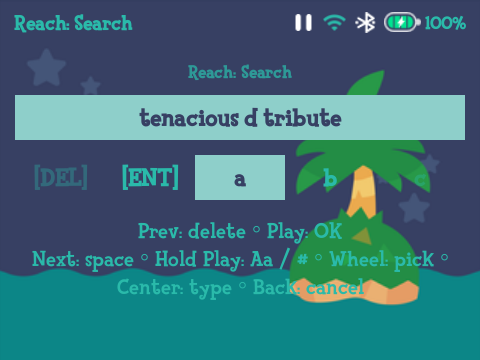
- Reach — search, play and download music from Deezer and Soulseek
- Podcasts — search and download episodes to your Y1 over the internet
- Quick menu — global context menu for playback, queue, Wi‑Fi, Bluetooth, and more from any screen
- Y1 themes — install and apply themes from the original Y1 firmware
- Rockbox-Y1 — co-installed; switch launchers from Settings (unified keymap, no reboot)
Screenshots
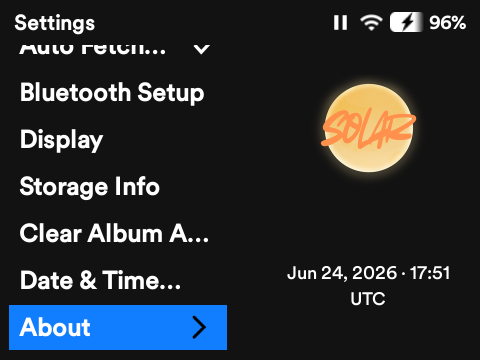 |  |
| About Solar — version, attribution, and OTA update check | Reach search — unified Deezer + Soulseek results |
 |  |
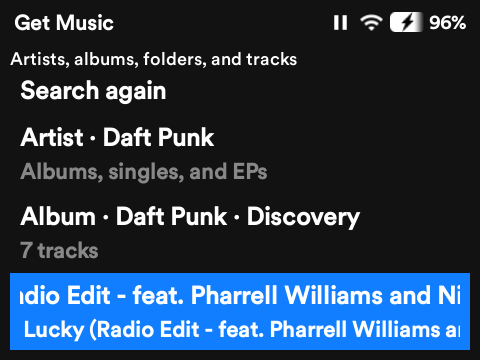
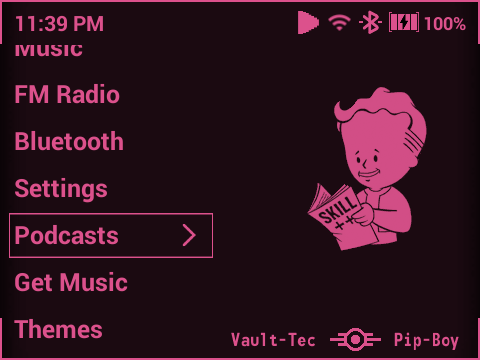
| Reach browse — peer library and download actions | Get Music — combined Deezer and Reach search |
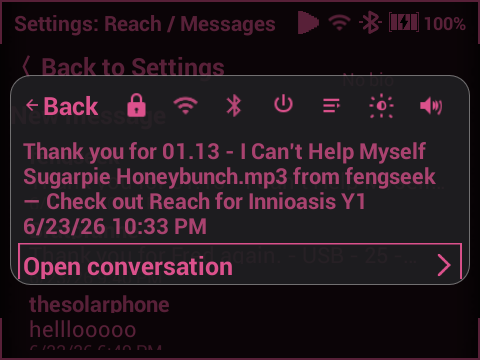 |  |
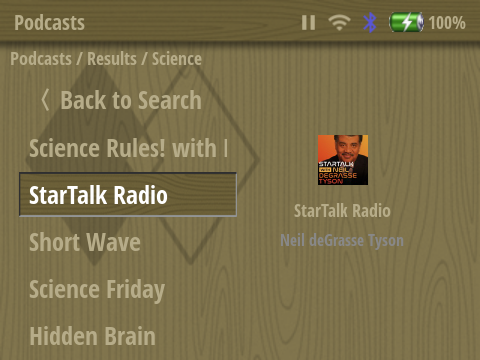
| Soulseek messaging | Podcasts — subscribe and browse shows |
 | 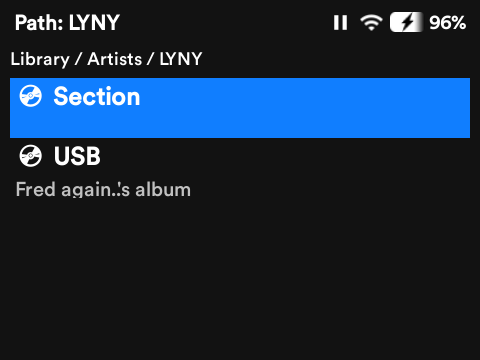 |
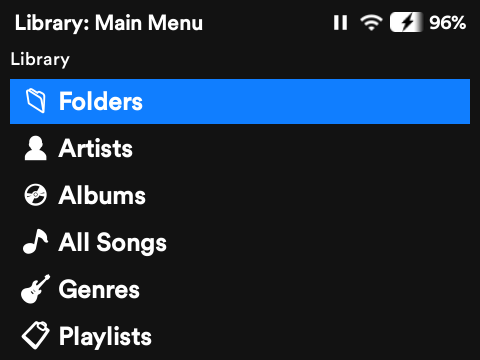
| Podcast episodes — episode list and downloads | Artists view — music library by artist > album |
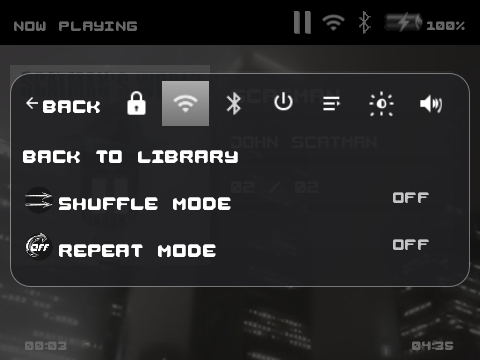 | 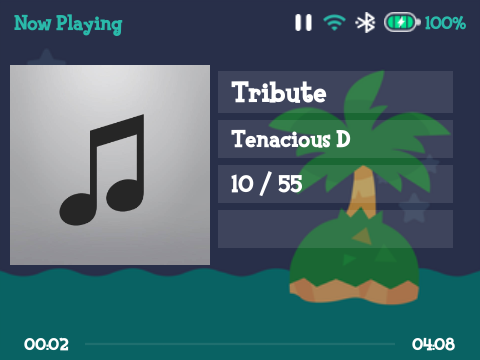 |
| Quick controls — global context menu (playback, queue, Wi‑Fi) | ACmp3 theme — Y1 custom theme applied in Solar |
Deezer account setup in Reach
A Demo Account is included for testers, please configure your own to ensure reliable playback and downloads, please do not submit issues about failed downloads / streams if still using the demo account as a Deezer account will offer a single playback slot to an account at one time.
Reach can search, stream, and download from Deezer using your account’s arl session cookie (the same method used by other Deezer download tools). You need a free or Premium Deezer account and a PC on the same Wi‑Fi as the Y1.
On the Y1
- Open Settings → Deezer.
- Select Set up on PC. Solar starts a small setup server and shows a URL like
http://192.168.x.x:8080/deezer.
On your PC
- In a browser, open the URL shown on the Y1 (use the Y1’s IP — not
localhost). - In another tab, log in at deezer.com/login if you are not already signed in.
- Copy your
arlcookie from the browser:- Chrome:
F12→ Application → Cookies →https://www.deezer.com→ copy the arl value (long hex string). - Firefox:
F12→ Storage → Cookies →https://www.deezer.com→ arl.
- Chrome:
- On the Solar setup page, paste arl, choose MP3 or FLAC (Premium), and tap Save & Test.
- Wait for Deezer login verified before closing the page.
Back on the Y1
- Press Back to leave the setup screen (confirm I'm finished if asked).
- Try Get Music from the home menu, or Settings → Deezer → Search, and download or queue a track.
Notes
- Treat arl like a password — only paste it on the setup page on your home network.
- If arl is missing in DevTools, refresh deezer.com while logged in, or sign out and back in.
- Some test builds ship with a shared demo account; paste your own arl to replace it.
- To switch accounts or quality later: Settings → Deezer → Set up on PC again.
- FLAC requires Deezer Premium; free accounts should use MP3.
How to get started with Solar
Head to the Solar GitHub repository and download a copy of the ROM from the Releases tab.
Install in Innioasis updater app:
1.Download the rom.zip file
- click "Browse Files" in the updater app and select the rom.zip file
- Installation will begin
Install with SP Flash Tool 5.1924:
Extract rom.zip contents and apply these instructions to the files extracted from the zip
Install with MTKClient
- Install MTKClient
- Download the latest Solar firmware (rom.zip or rom\_type\_b.zip) (Try Type A first, if scrolling doesn't work then try B)
- Unpack the archive:mkdir rom && cd rom unzip ../rom.zip
- Turn of the device, disconnect from the PC
- Start the flashing process:cd rom python ../mtk.py w logo,uboot,bootimg,recovery,android,usrdata logo.bin,lk.bin,boot.img,recovery.img,system.img,userdata.img
- Connect the device via USB
- Unplug the device when the process has finished
- Power on the device
How to leave feedback and report issues.
Please leave your feedback and issue reports in the Issues Tracker
Developers
Local Solar Designer (1:1 GUI simulator / agent bridge) lives at solar-designer/ and is gitignored — clone the tree or create it locally, then cd solar-designer && npm install && npm start. See solar-designer/README.md when present.