JJ Launcher · Innioasis Y1
Install JJ Launcher on your Y1.
This is the Y1 route for the JJ Launcher project. Choose the model first so Updater does not offer the wrong package.
Choose the Y1 route
- Set Device Model to Y1.
- Choose JJ Launcher in Software.
- Read the release note, select the Y1 version, and click Install / Restore.
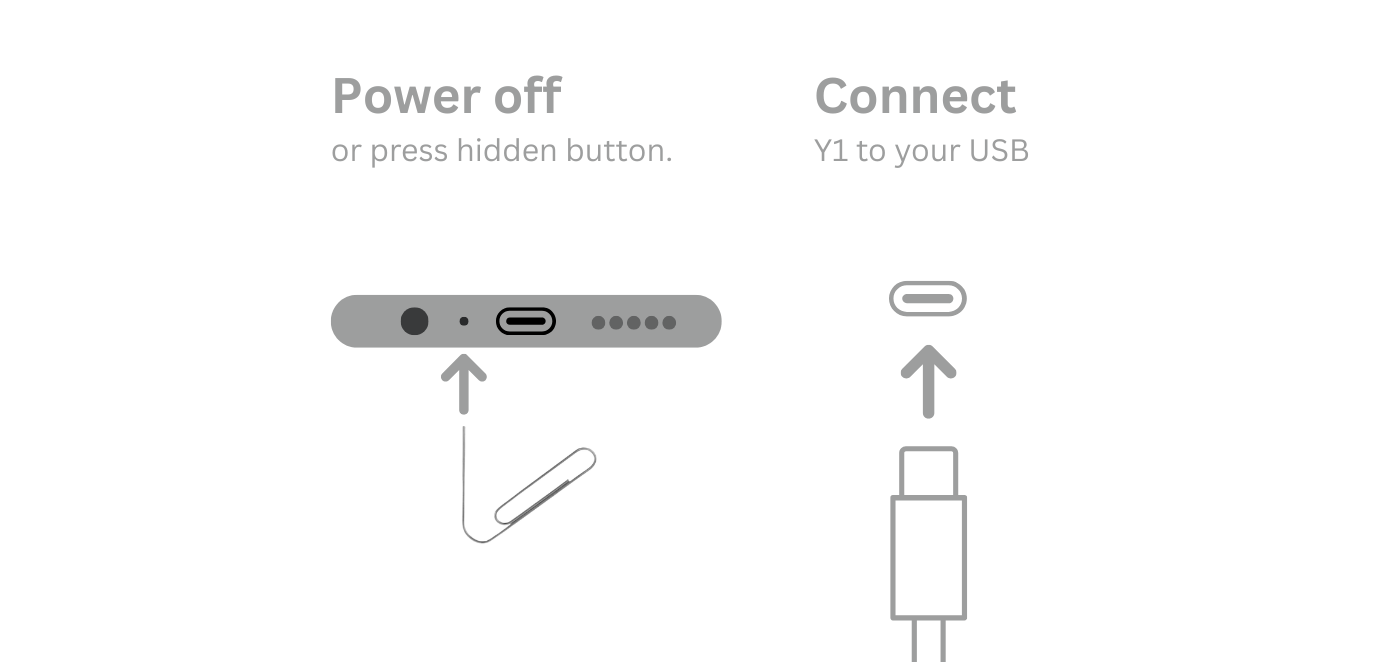
- Power off and connect the player only when Updater asks.
- Restore with Y1 Original Software if you need the stock interface again.
Watch the video
Model mismatch is the first thing to check
JJ Launcher also has a Y2 entry. If the package name looks wrong, return to Device Model. Do not force a Y2 package onto a Y1.
Go back to Original Software
JJ Launcher does not change the route back to the stock interface. Once Updater is set up for your computer, open it on Windows, macOS, or Linux and select Y1 plus Original Software instead of JJ Launcher.
- Choose a stable Y1 Original Software release.
- Click Install / Restore and wait for the live connection prompt.
- Power off the Y1 only when asked.
- Connect the USB data cable at the prompt and leave it still until success.
Do not manually remove JJ Launcher files first, and do not use a Y2 package. If the failure happened before the USB prompt, check the computer setup, cable, and model selection first.