Y2Player · Innioasis Y2
Install Y2Player on the Y2.
Y2Player is a Y2 project. The safe route starts with the model selection, not the project name.
Install guide for your computer
Install Y2Player on your Y2 with your computer
Pick the guide for the computer you are using. Every version has the platform setup, Updater CE steps and the way back to stock.
In Updater
- Open Innioasis Updater CE on your computer (if you don't have it yet, Get Updater CE). Select Y2 in Device Model.
- Choose Y2Player in Software (or launch with Get this in Updater CE).
- Choose the listed Y2 release.
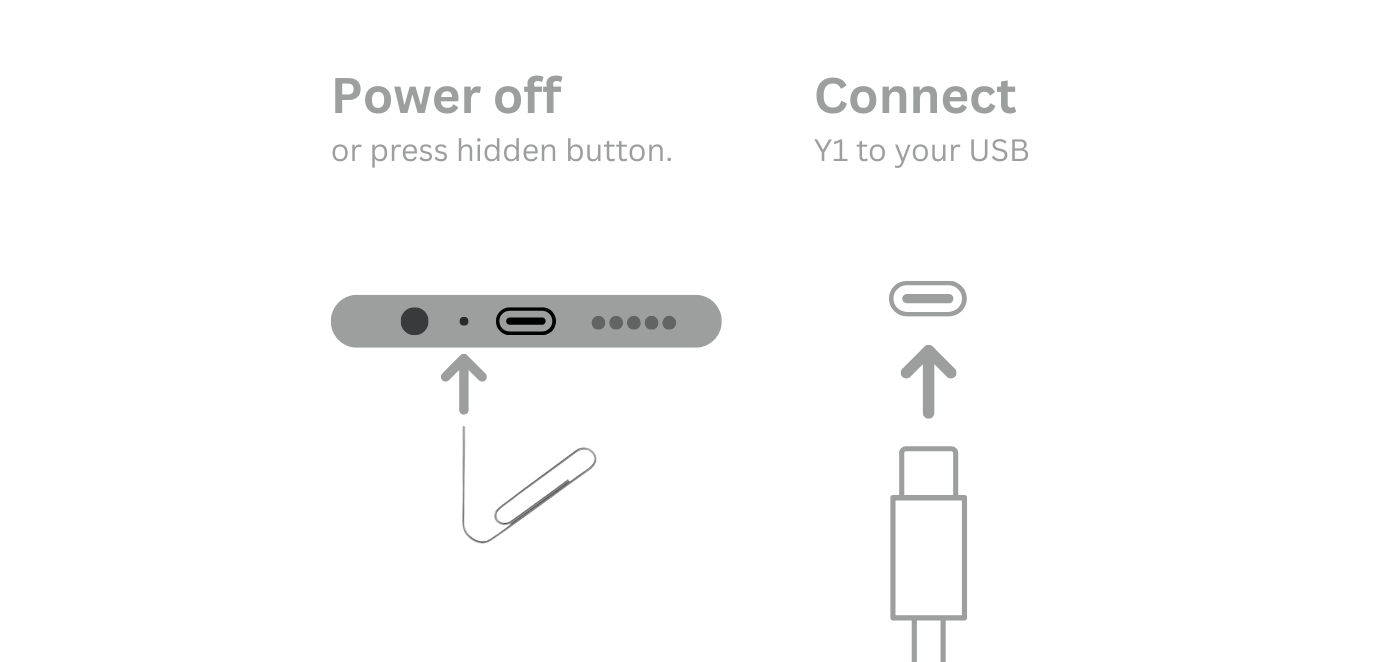
- Click Install / Restore, power off when asked, and connect USB at the prompt.
- Restore with Y2 Original Software if needed.
Do not substitute a Y1 package
Check twice: Y2 full-install packages may use
rom_y2.zip. A plain Y1 package is not a safe substitute.