Inniclassic · Innioasis Y1
Install Inniclassic on a Y1.
Inniclassic is listed as a Y1 project. Select Y1 before choosing it so the release list stays model-aware.
Install it
- Choose Y1 in Device Model.
- Choose Inniclassic in Software.
- Select a release and click Install / Restore.
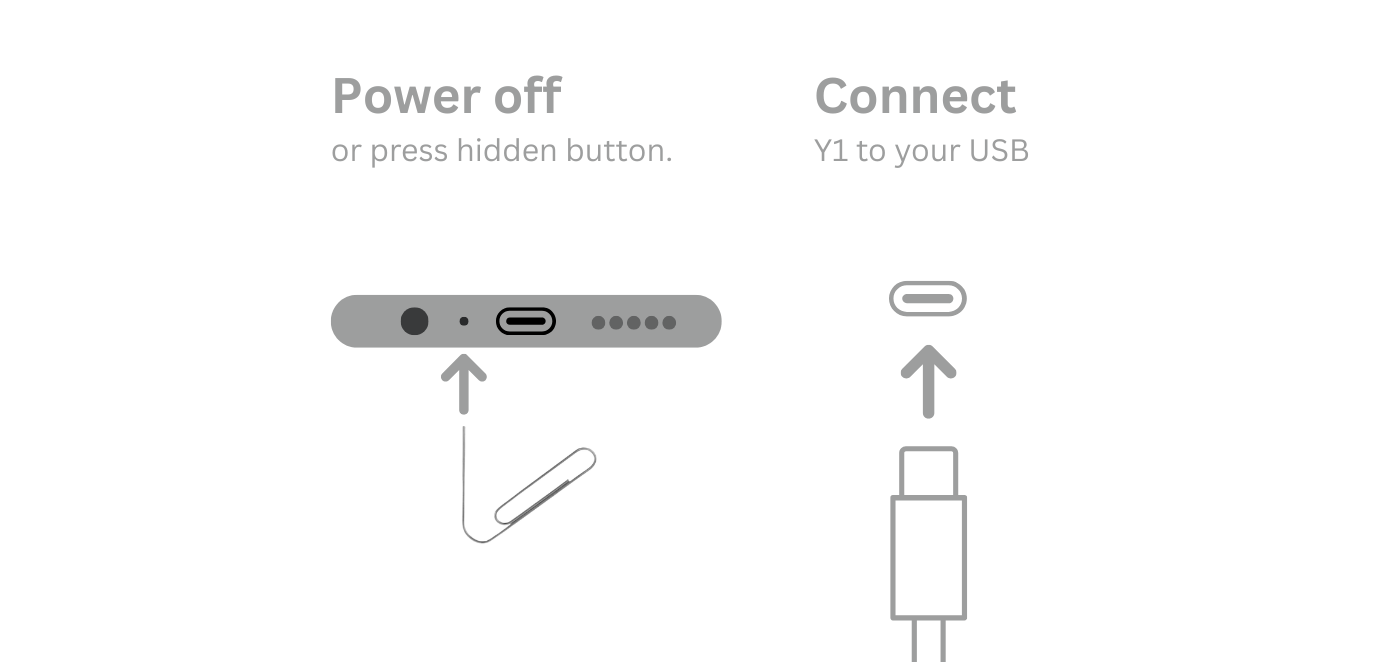
- Power off and connect the Y1 only when Updater prompts you.
- Use Y1 Original Software for the restore path.
Keep the connection still
If the install fails, note whether the failure happened before or after Updater detected the player. That detail makes troubleshooting much faster.