Inniclassic · Innioasis Y2
Install Inniclassic on a Y2.
Inniclassic has a dedicated Y2 port maintained by Jonasz Potoniec. Select Y2 before choosing it so the release list stays model-aware.
Install guide for your computer
Install Inniclassic on your Y2 with your computer
Pick the guide for the computer you are using. Every version has the platform setup, Updater CE steps and the way back to stock.
Install it
- Open Innioasis Updater CE on your computer (if you don't have it yet, Get Updater CE). Select Y2 in Device Model.
- Choose Inniclassic in Software (or launch with Get this in Updater CE).
- Select a release and click Install / Restore.
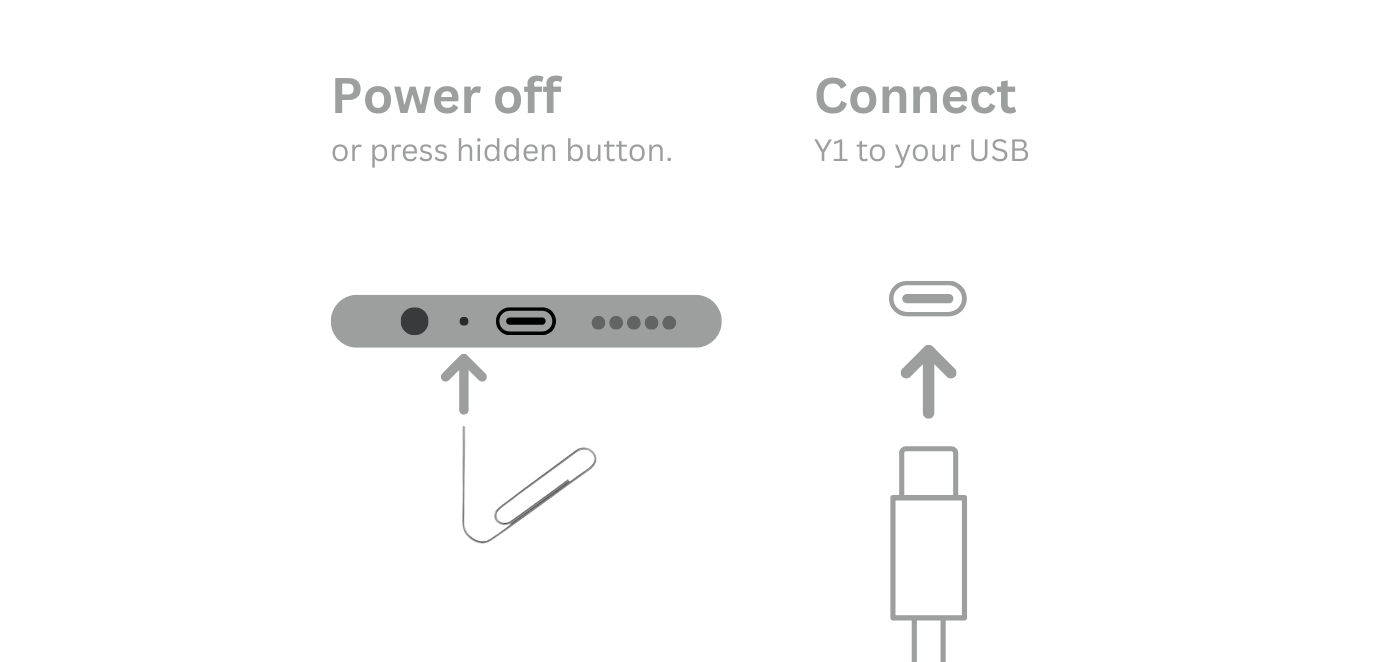
- Power off and connect the Y2 only when Updater prompts you.
- Use Y2 Original Software for the restore path.
Keep the connection still
Y2 packages use rom_y2.zip. If installation fails, note whether the failure happened before or after Updater detected the player.